Change history
Who changed what and when in an order — the order itself, labor, parts, payments, inspection report, defect inspection, and diagnostics. It helps investigate when a client or colleague has a question such as “who changed the price?”
Where to find it
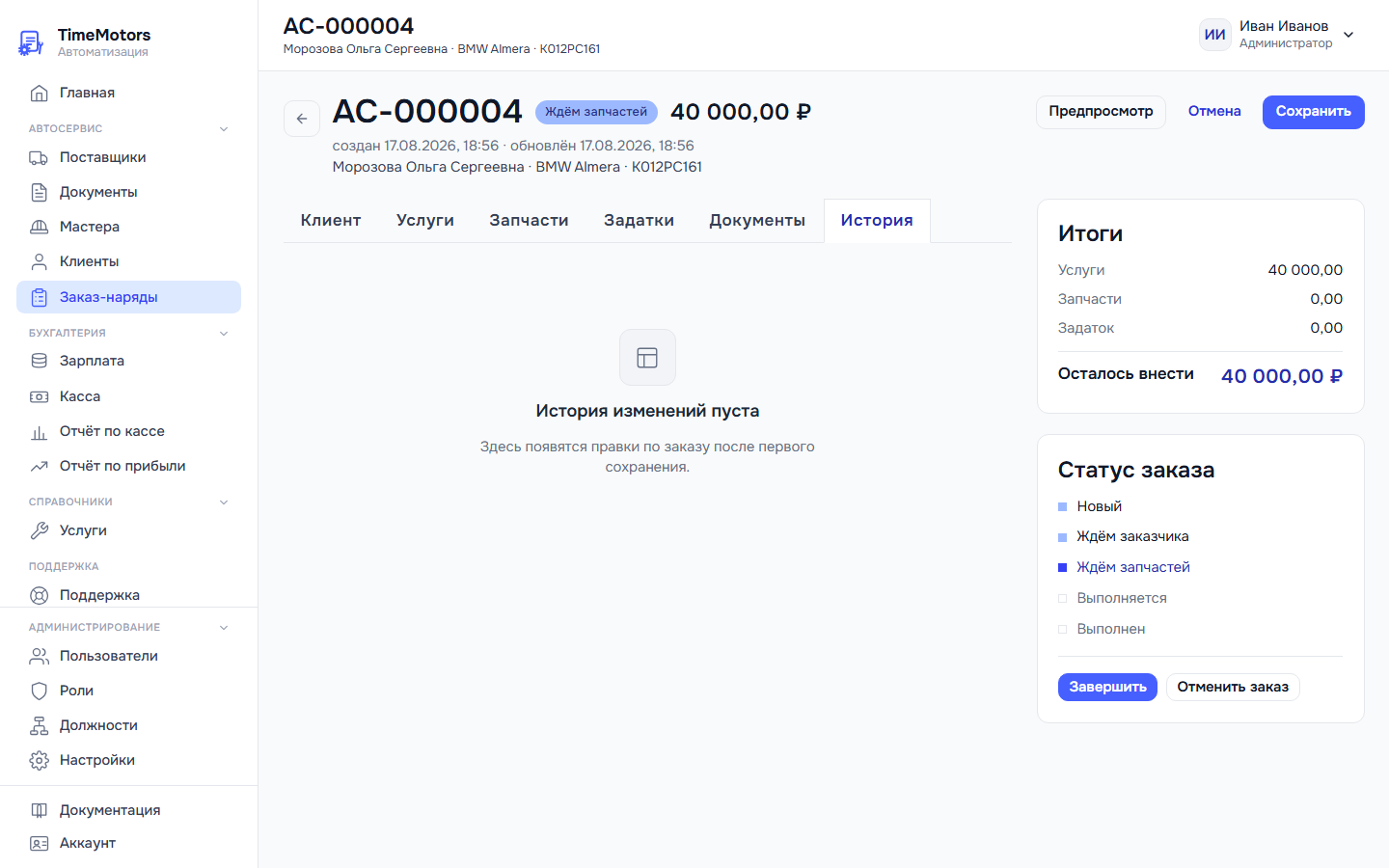
Path: Work order → “History” tab (the last tab in the row). The list is reloaded each time the tab is opened and after the status is changed. Everyone with access to work orders can see the tab.
How to read an entry
The latest entries appear at the top and are loaded as you scroll. Each entry contains:
- date and time — in your device’s time zone;
- what happened — “Create”, “Change”, or “Delete” and what exactly: the work order itself, “Work in order Oil change”, “Part in order”, “Order payment”, “Inspection report”;
- what changed — one line per field in the format “field: old → new”: “Status: New → In progress”, “Price: 1 500 ₽ → 1 800 ₽”, “Mileage: 120 000 → 121 500”. For a new line, its values are shown (“Service: Oil change”, “Price: 1 500 ₽”); for a deleted line, its previous values are shown. More than three fields — the “More N” button;
- who — the employee who saved the change. “Support” means support made the change at your request (such changes are always visible in the history); “System” means the change was made automatically.
If several lines were changed with one Save action, there will be several entries with the same timestamp.
What is included in the history
- Order: status (including changes made using the button in the header, from the list, and when deleting the order), client, vehicle, comments, service advisor, service bay and work time, document numbers and dates. Totals (line amount, order amount) are not recorded separately — you can see which price or quantity was changed.
- Labor: addition and deletion, price, quantity, standard hours, discount, mechanic, and their rate.
- Parts: addition and deletion, quantity, prices, markup, discount, warehouse item.
- Payments and refunds, inspection report (mileage, fuel, completeness), defects, diagnostic lines, photos (added or deleted).
- Events: message to the client (“Contacted client”), copying the order, write-off and return to the warehouse, transfer to deferred labor, skipping closing checks.
The client’s personal data is only mentioned in the history: “Phone: changed”, “Full name: entered” — without the values themselves. View the current data in the client’s item card.
Older entries
Entries made before the history update are displayed as they were: the field and values “old → new” on one line. Changes in the history are stored for 180 days; older order entries are retained indefinitely.
Common issues
- “I can’t see who accepted the prepayment”. A payment is recorded as an “Order payment” entry with the amount and method; it is also listed in the table on the “Payment” tab.
- “The status change did not appear”. Switch to another tab and return to “History” — the list will be reloaded.
- “Why can’t I see what the phone number was?” This is by design: personal data is not recorded in the history, only the fact that it was changed.
- “Empty”. There have been no changes yet — “Change history is empty” is displayed.